1
画像、図面、モデル、テキストから開始
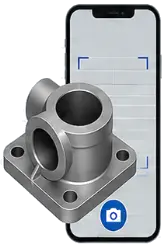
ビジュアル検索 → インテリジェンス → 自動化
見積りのやり直しや設計の作り直し、部品の再製作が始まる前に、すでに社内にある部品を見つけましょう。 CADデータ、図面、画像、技術文書を検索し、AIがデータの抽出、部品比較、システム連携、 そして製造業務の自動化までを支援します。
画像、図面、モデル、テキストから開始
形状、文字、メタデータ、文脈を抽出
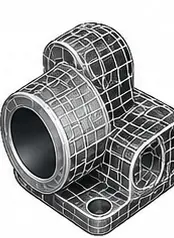
設計意図を理解

類似部品と関連ファイルを発見
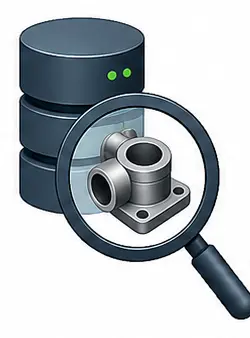
システム横断で優先順付きの結果を表示
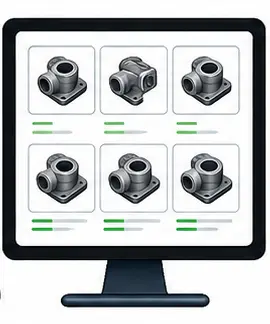
PMI、属性、レコードを比較
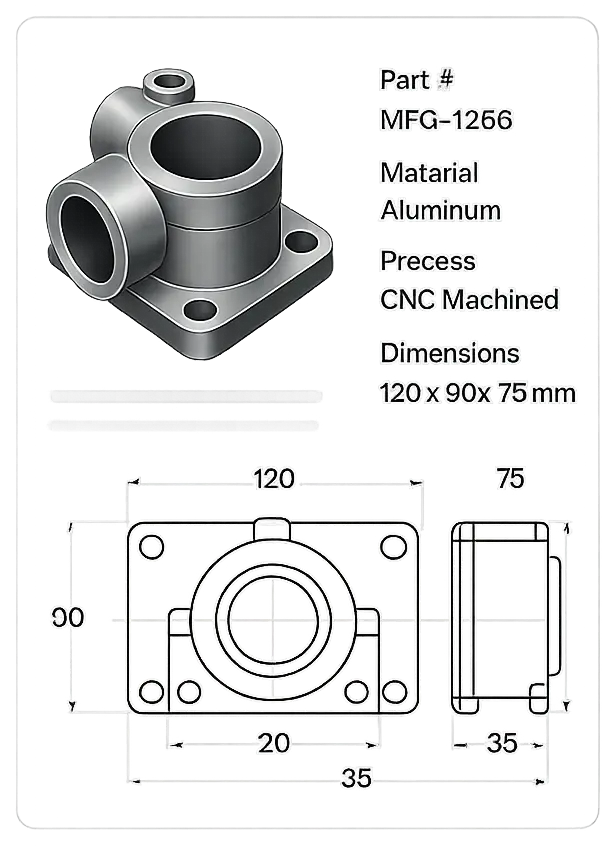
再利用、見積、調達、次の工程の自動化
左右にスワイプして確認
画像、図面、モデル、テキストから開始
形状、文字、メタデータ、文脈を抽出
設計意図を理解
類似部品と関連ファイルを発見
システム横断で優先順付きの結果を表示
PMI、属性、レコードを比較
再利用、見積、調達、次の工程の自動化
製造業向けAIエージェント
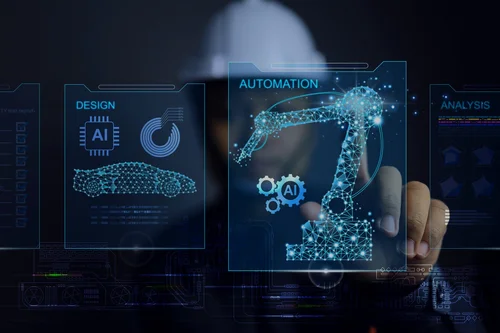
VizSeekは、CADファイルや図面のビジュアル検索から、データ抽出、部品比較、見積支援まで、AIを実務ワークフローに変換します。 繰り返しの多い手作業を減らし、チームの意思決定を速めます。
80%
最初に痛みが出るのは設計ですが、見積、調達、現場も同じ作業を繰り返します。会社に既にある資産をすぐに見つけられないからです。 VizSeekは、既に作成済みの部品、図面、文書を浮かび上がらせ、同じ仕事に二重にお金を払わずにチームが早く動けるようにします。
出典 - CIMdata / Arthur D. Little
実績とパートナー
私たちは、规模を問わず世界中の企業と協業し、現実の検索課題を解決しています。 それぞれの技術を補い合い、強力で実用的なスマートソリューションを構築します。


























左右にスワイプしてロゴを確認
検索・インテリジェンス・AI自動化
VizSeekは、ビジュアル検索、関連データ、エージェント自動化を組み合わせ、チームのファイル検索、情報抽出、部品比較を高速化します。 そして次の業務アクションへの移行をスムーズにします。
視覚的な類似性とファイル間で共有されるコンテキストを使って、CADファイル、図面、文書、画像、メタデータを横断検索します。
部品、図面、サプライヤー、材料、改訂、関連記録をつなぎ、技術データがシステム間でどのように関連しているかをチームが理解できるようにします。
AI エージェントを活用して、情報抽出、部品比較、結果の要約、見積り支援を行い、技術業務をより速く前進させます。
構成可能なAIワークフローエージェント
VizSeekのエージェントは、見積、設計再利用、調達、MRO、Eコマース、金型・治工具に合わせて設定できます。 必要なデータを見つけ、理解し、次のステップを進める支援を行います。
埋め込みAIビジュアル検索
VizSeekは、CADシステムの中でも技術データを横断検索できるようにし、デザイン再利用、比較、ナビゲーションを加速します。
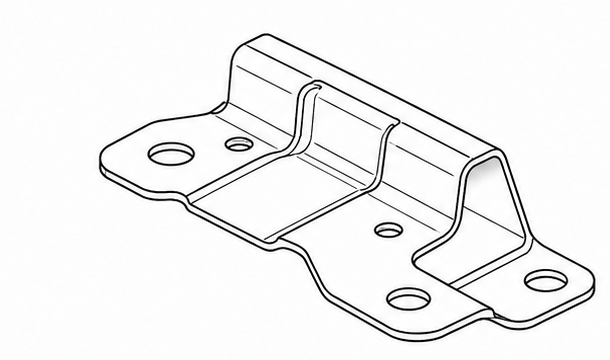
ステップ 1
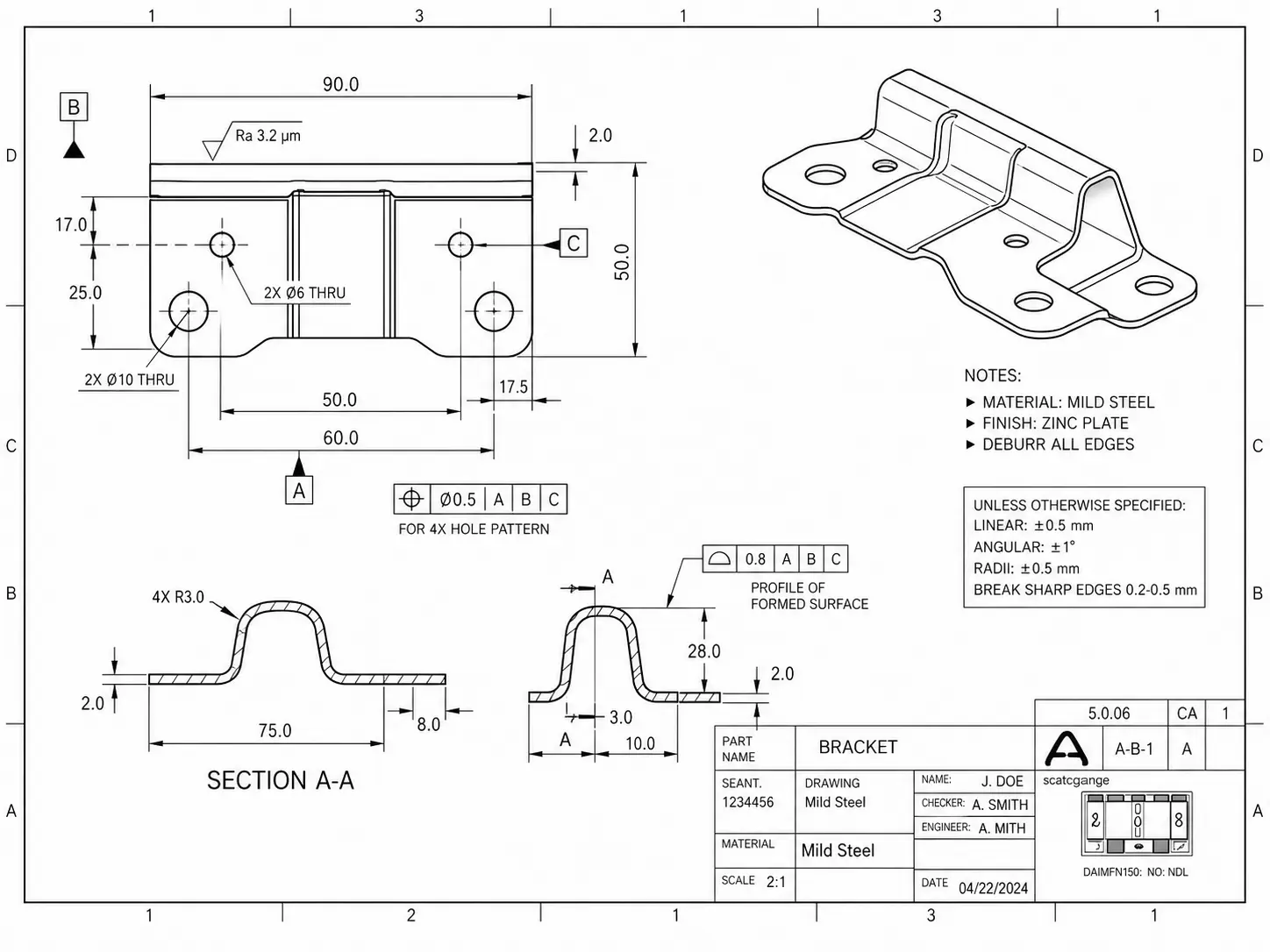
ユーザーは、既存のCADワークフロー内で図面、形状、スケッチから検索を始め、その入力をVizSeekに送ります。
ステップ 2
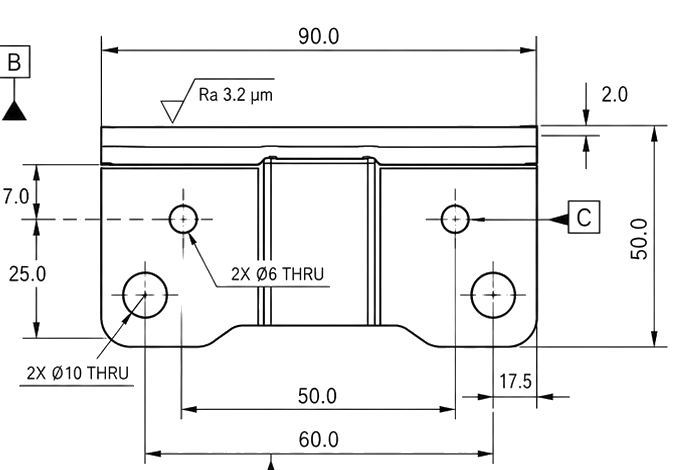
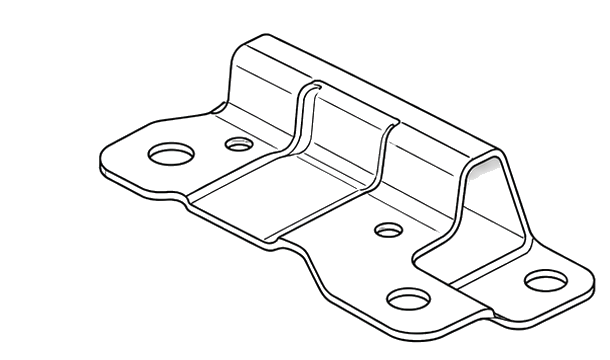
VizSeekは形状、属性、PMIを抽出し、ファイル名だけでなく技術コンテキストを使って検索できるようにします。
構造化 PMI 抽出
{
  "Part_Identification": {
    "Part_Name": "BRACKET",
    "Drawing_Number": "A-6-1",
    "Material": "Mild Steel",
    "Finish": "Zinc Plate",
    "Scale": "2:1",
    "Drawn_By": "J. DOE",
    "Checked_By": "A. SMITH",
上面図
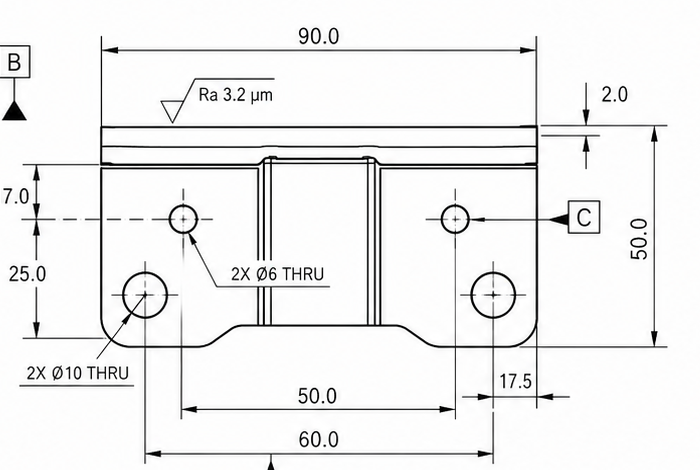
等角ビュー
ステップ 3
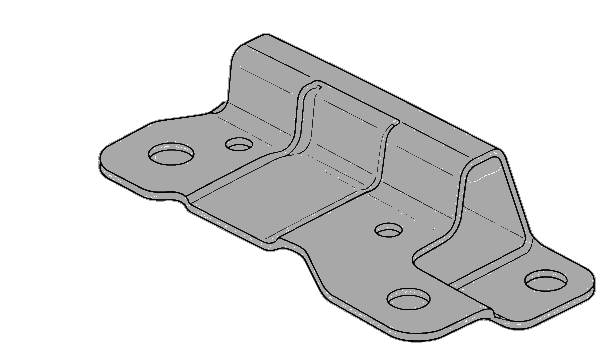
一致した部品、図面、PDF、システム記録がワークフローに戻り、エンジニアはすぐに次の作業に進めます。
Bracket-AX204
関連する3Dモデルとサプライヤー記録を含むPLM内の一致結果が見つかりました。
Connected systems
PLM
承認済み部品とリビジョン
PDM
図面とリリース記録
ERP
供給先、コスト、見積履歴
SharePoint
プロジェクト文書と共有ファイル
活用されるエンジニアリングデータ
必要なデータをより早く見つけ、重複作業を減らし、既存システム全体でAIビジュアル検索、データ抽出、エージェント型自動化を活用して製造ワークフローを加速します。
画像、形状、図面、スケッチ、3Dモデル、テキスト、抽出された属性から検索でき、正確なファイル名、フォルダー、メタデータに頼る必要はありません。
チームが作業を一から作り直す前に、既存の設計、部品、図面、ドキュメントを見つけ出します。
AIで図面、ドキュメント、部品データを読み取り、寸法、材料、公差、メタデータ、関連する技術情報などの重要な詳細を特定します。
視覚的類似性、テキスト検索、メタデータ、抽出されたエンジニアリングデータを組み合わせ、より関連性の高い結果をすばやく返します。
エンジニアリング、見積り、調達、EC、サービス、アフターマーケット、MRO、工装などのワークフローを、より優れた検索と実用的なデータで支援します。
対応ファイルタイプ
図面、2D画像、3Dモデルをまとめて検索 40以上のファイル形式に対応し、部品と関連データの再利用を加速します
対応フォーマット
CAD、図面、文書、画像、Officeファイル、メディアまで検索対応しています。下の読み込み・書き出しのバーは、Tessellation、BREP、PMIにおけるジオメトリ対応状況を示します。
読み込み対応
VizSeekが元ファイル形式から読み取り、解釈できる内容です。
書き出し対応
VizSeekが対応ジオメトリ形式に再出力できる内容です。
| Format | Extension | Read | Write |
|---|---|---|---|
| 3MF | 3MF | Tess BREP PMI | Tess BREP PMI |
| ACIS | SAT, SAB | Tess BREP PMI | Tess BREP PMI |
| AutoCAD DWG | DWG | Tess BREP PMI | |
| AutoCAD DXF | DXF | Tess BREP PMI | |
| Autodesk 3DS | 3DS | Tess BREP PMI | |
| Autodesk Inventor | IPT, IAM | Tess BREP PMI | |
| Autodesk Navisworks | NWD | Tess BREP PMI | |
| Autodesk DWF | DWF, DWFX | Tess BREP PMI | |
| CATIA V4 | MODEL, SESSION, DLV, EXP | Tess BREP PMI | |
| CATIA V5 | CATDrawing, CATPart, CATProduct, CATShape, CGR | Tess BREP PMI | |
| CATIA V6 / 3DExperience | 3DXML | Tess BREP PMI | |
| COLLADA | DAE | Tess BREP PMI | |
| Creo - Pro/E | ASM, NEU, PRT, XAS, XPR | Tess BREP PMI | |
| FBX | FBX | Tess BREP PMI | Tess BREP PMI |
| GL Transmission Format | GLTF, GLB | Tess BREP PMI | |
| I-deas | MF1, ARC, UNV, PKG | Tess BREP PMI | |
| IFC | IFC, IFCZIP | Tess BREP PMI | |
| IGES | IGS, IGES | Tess BREP PMI | Tess BREP PMI |
| JT | JT | Tess BREP PMI | Tess BREP PMI |
| NX - Unigraphics | PRT | Tess BREP PMI | |
| Parasolid | X_B, X_T, XMT, XMT_TXT | Tess BREP PMI | Tess BREP PMI |
| PRC | PRC | Tess BREP PMI | Tess BREP PMI |
| Revit | RVT, RFA | Tess BREP PMI | |
| Rhino3D | 3DM | Tess BREP PMI | |
| Solid Edge | ASM, PAR, PWD, PSM | Tess BREP PMI | |
| SolidWorks | SLDASM, SLDPRT | Tess BREP PMI | |
| STEP | STP, STEP, STPZ | Tess BREP PMI | Tess BREP PMI |
| STEP/XML | STPX, STPXZ | Tess BREP PMI | |
| Stereo Lithography (STL) | STL | Tess BREP PMI | Tess BREP PMI |
| Universal 3D (U3D) | U3D | Tess BREP PMI | Tess BREP PMI |
| USD | USD | Tess BREP PMI | |
| VDA-FS | VDA | Tess BREP PMI | |
| VRML | WRL, VRML | Tess BREP PMI | Tess BREP PMI |
| Wavefront OBJ | OBJ | Tess BREP PMI | Tess BREP PMI |
| 3D PDF | PDF | Tess BREP PMI | |
| Excel Document | XLS, XLSX, XLSM | ||
| Images | JPG, JPEG, PNG, WEBP | ||
| Outlook Messages | MSG | ||
| PDF | PDF | ||
| Power Point Document | PPT, PPTX | ||
| Video | AVI, MP4, MOV | ||
| Word Document | DOC, DOCX |
19%
Companies struggle with locating past work across siloed systems. As a result, they waste time and resources recreating parts, documentation, and designs. VizSeek solves this by enabling intelligent, multimodal search via text, images, or sketches across large datasets of digital assets.
Source - McKinsey report
Flexible deployment and integration
Deploy VizSeek in the way your environment requires, whether that means cloud delivery or on-premises deployment, then connect visual search across the systems you already use.
Deployment options
Cloud deployment
Managed delivery for teams that want faster rollout, lower infrastructure overhead, simpler updates, and easier scaling across locations and users.
Cloud architecture
Users & Apps
Browser, API clients, customer systems
Cloud edge + access
WAF / Gateway
Ingress, TLS termination, request routing
Virtual Network
Isolated cloud network and service boundaries
VizSeek services
UI + API
Application layer and orchestration
Search Cluster
Indexer, searcher, autoscaling compute
Data Layer
Database, file services, indexed content
AI Inference
GPU-backed services for visual understanding
On-premises deployment
Support stricter security, governance, network-control, and data-residency requirements while keeping search infrastructure inside your own environment.
On-premises architecture
Internal users
VPN or internal network access
Company network
UI + API
Internal app access and orchestration
Search Services
Indexer, searcher, database, file services
Inference
Visual AI services running inside your network
Control & Governance
Infrastructure, network, and data stay under your control
Docker-based deployment
VizSeek is packaged and delivered as a docker-based deployment for on-premises environments, simplifying rollout, updates, and ongoing management.
成果を検証
実際の部品図面、ファイル、3Dモデルを使い、ガイド付きPOCでVizSeekの動作を確認できます